📈 Opening a Trade
Step 4: Open trading menu
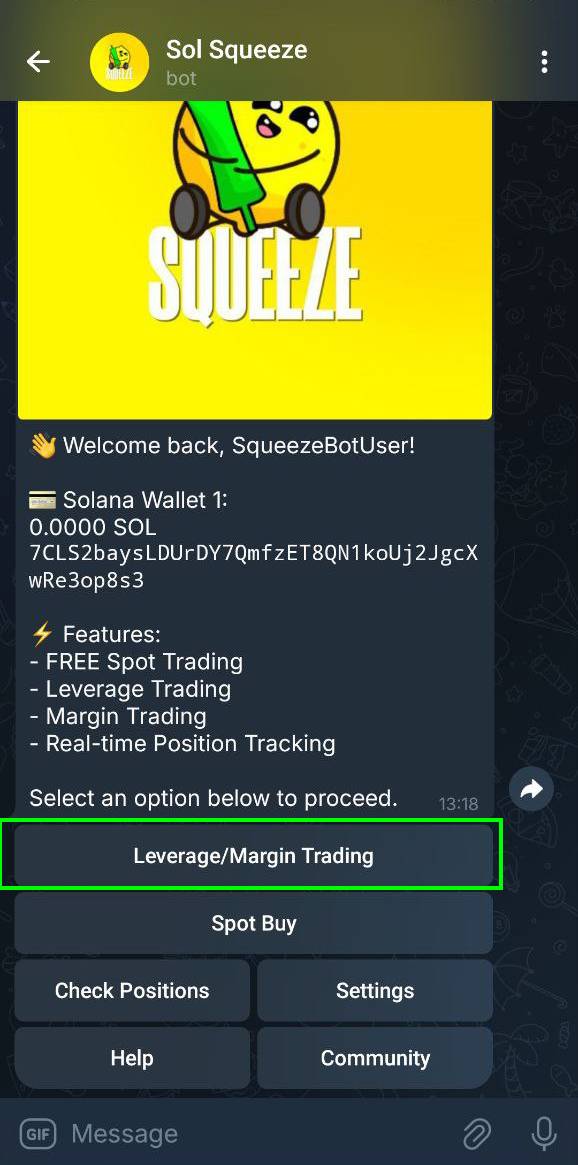
From the main menu, tap Leverage/Margin Trading to begin a leverage trade.
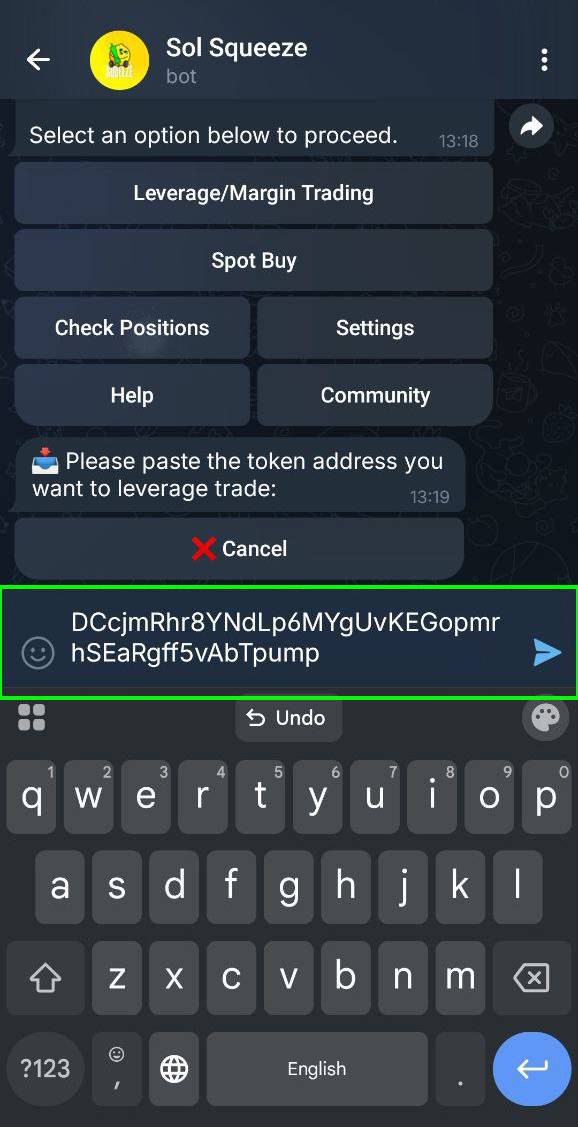
Step 5: Paste a token address
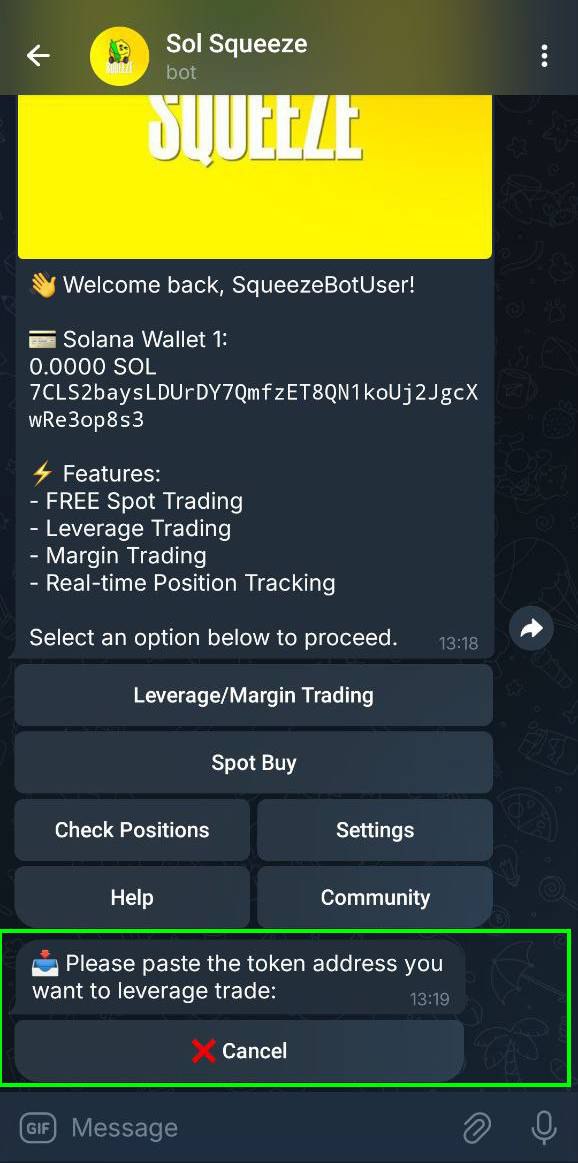
The bot will ask for the contract address of the token you want to trade.
Paste it into the chat.
Step 6: Handle non-whitelisted tokens
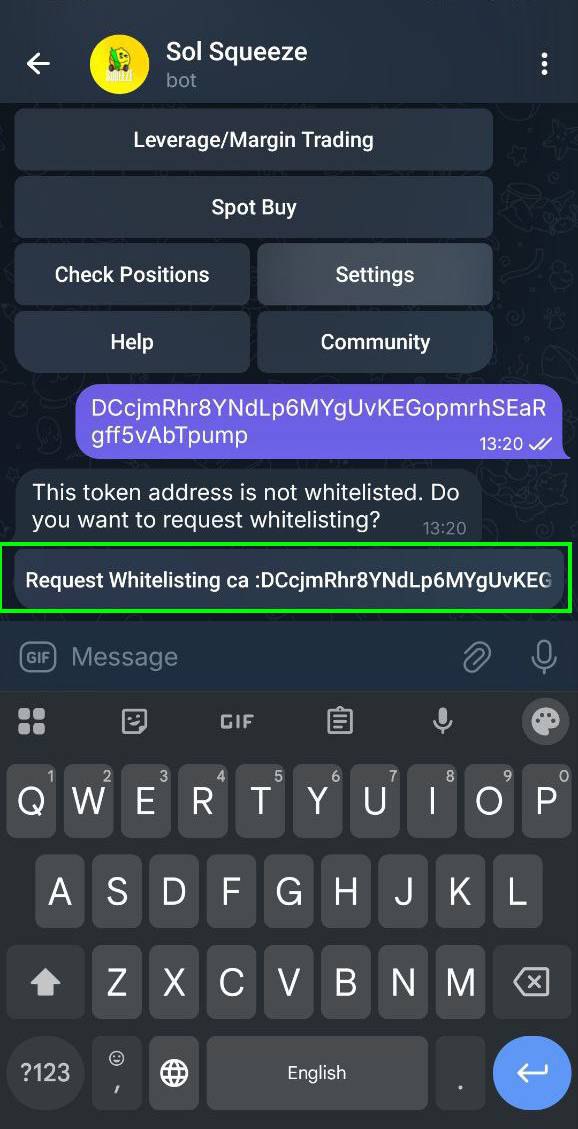
If the token is not whitelisted, you’ll see a message.
Press Request Whitelisting to submit it for review.
Step 7: Whitelist pending
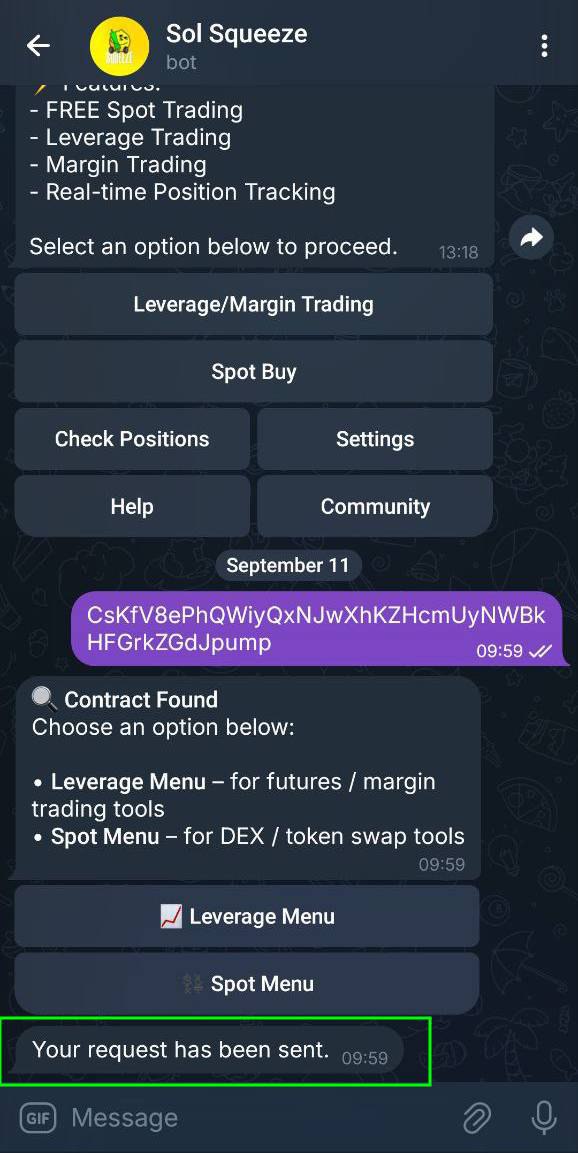
Once you request, you’ll see Your request has been sent.
Step 8: Whitelist approved
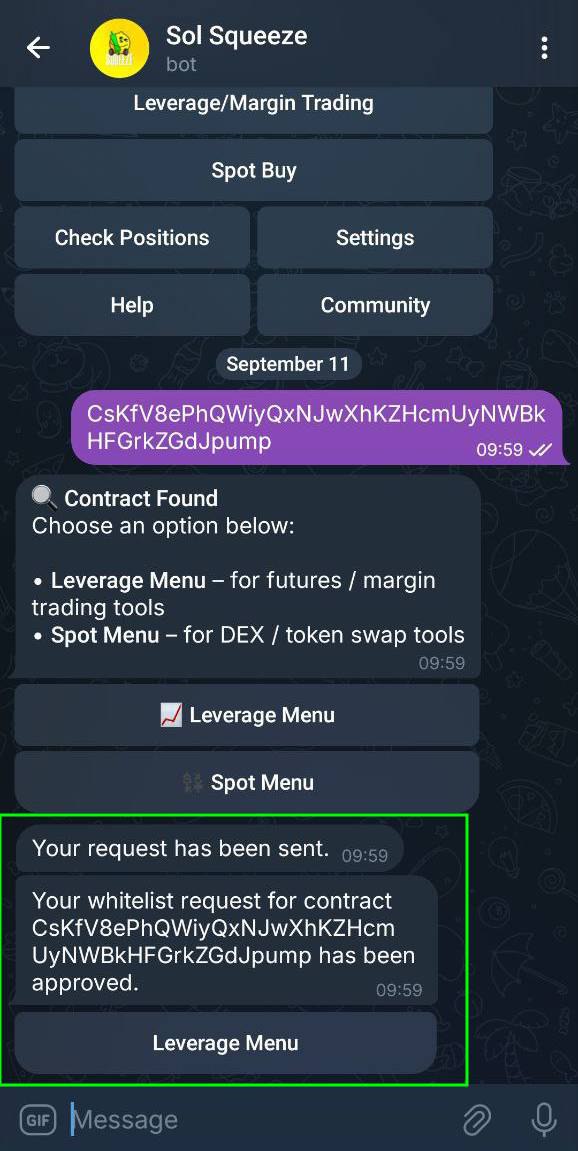
If the token passes checks, you’ll get a confirmation:
Your whitelist request has been approved.
Tap Leverage Menu to proceed.
Step 9: Whitelist rejected
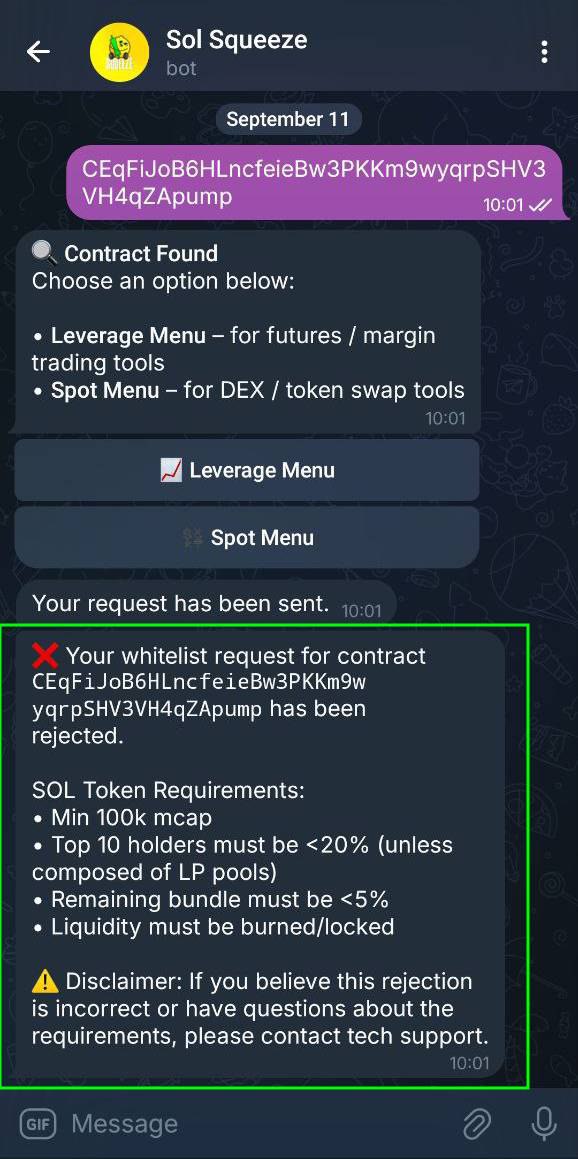
If the token fails checks, you’ll see a rejection message with reasons:
- Market cap must be at least 100k
- Top 10 holders under 20% (unless LP pools)
- Remaining bundles under 5%
- Liquidity must be burned or locked
If you believe this is an error, contact support.